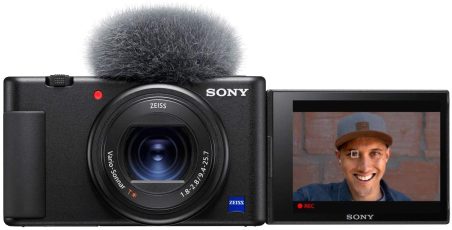
This is the main camera I use to stream and film the MJS Daily Recap, YouTube videos, and my 2 podcasts. It’s compact, has a flip-out screen, and can film in 4K.
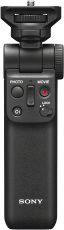
When I pre-ordered the Sony ZV-1, there was a package deal that included this grip/tripod. This little thing is super useful. I use it every day for the MJS Daily Recap and for both of my podcasts, Fueled By Progress and AM In The PM.
What option did I really have here? Put Ubuntu on it? Been there, not my style. Scrap the whole build and buy an overpriced cheese grater? Yea, I don’t think so.
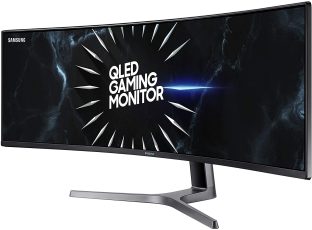
This was an interesting decision. Originally, I was considering a dual monitor setup, but I wasn’t ecstatic about the bezels in the middle and the extra wires. Then, I thought about getting one 34″ ultrawide monitor, but it’s basically 1.5 screens, not 2. I pulled the trigger on this one and I don’t think I could use anything else now. It’s a very new form factor, but I love it. The only con (kinda) is that it makes intermittent popping noises due to thermal expansion. Weird, but not that big of a deal.
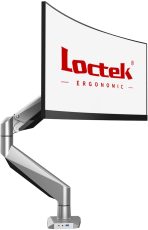
Funny story. I almost lost an eye while mounting my monitor on this. The arm is gas-powered to keep upward pressure opposite the downward force of the monitor. I took the monitor off and the arm flew up and almost blinded me. Besides that, it’s a decent monitor mount. Technically, it’s not meant for 49″ displays, but it can support the weight, so I went with it.
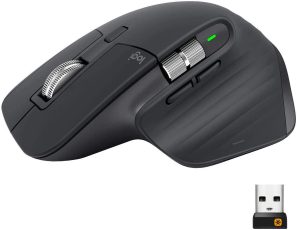
I wanted a really good wireless mouse, but didn’t need one with 80 macro buttons on it. I’d heard great things about the MX Master 3 and decided to buy it. It actually has even more features than I can remember to use, but the ergonomics are great and I love the aesthetic.
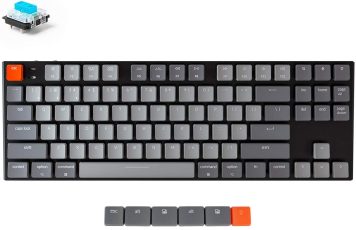
I watched probably 10 hours of YouTube videos about mechanical keyboards before I made this purchase (S/O TaeKeyboards). There’s much more to keyboards than I thought: key switch type, layout form factor, aesthetic, keycaps, etc. I went with this wireless, low-profile design because I didn’t want to have to use a wrist rest. I decided to forgo the number pad and get the blue (clicky) switches. I regret nothing.
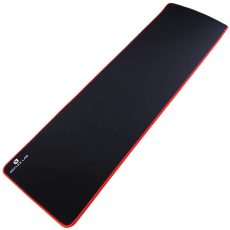
I wanted a big mouse pad that could accommodate my keyboard and mouse with some room to spare. I also wanted to stay on brand with the red and black theme. There really wasn’t many options that met my needs, but luckily I found this one. It’s held up well so far and looks great.
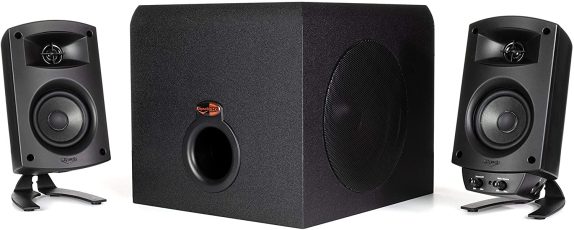
This speaker system is the only piece of my last setup that I kept, but I have considered replacing it. I kept them because the sound quality is incredible and they still work perfectly. I’ve thought about selling them and getting a some red Audioengine or Kanto speakers without the separate subwoofer. Right now, the Klipsch subwoofer is on the floor and I just don’t like the extra wires. But again, they sound amazing.
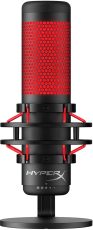
I wanted a USB microphone for my desk that I could use to live stream the MJS Daily Recap and record videos with. I had seen this one being used by other creators online and I really couldn’t pass it up given the color scheme. The sound quality is top-notch for a USB mic and it looks fantastic.
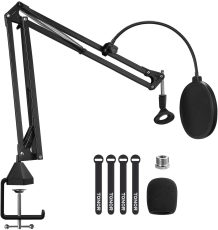
Since the HyperX QuadCast was going to always be at my desk, I wanted make it easily accessible and easily moveable for when I wasn’t using it. I found this boom arm for a very reasonable price and have been very happy with it so far. It even has a little hook underneath the desk clamp. That’s where I store my Anker Q10s.
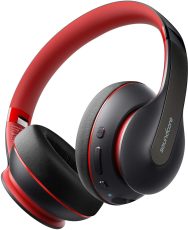
Anker Soundcore Life Q10 Wireless Bluetooth Headphones
I needed a decent pair of PC headphones to edit video and listen to music, but I’m not a fan of wires. In my research, I saw I ton of expensive options, but this wasn’t something I felt like spending a lot of money on. Then, I came across this affordable pair from Anker. They’re not incredible, obviously, but they’re pretty good. (and they’re red and black).
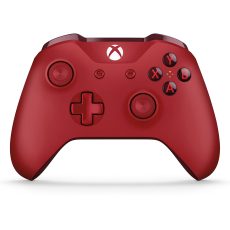
Prior to building this beast of a PC, I hadn’t down any gaming since the PS3 days. Now, I occasionally play some Modern Warfare, mainly because it’s cross-platform. I’ve always been a controller player, so that’s why I picked this 2nd Gen controller up (no dongle needed, but it does have connectivity issues sometimes). I thought about getting a knock-off, but I’m glad I didn’t.
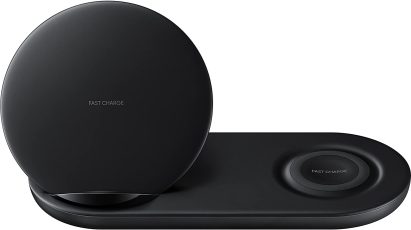
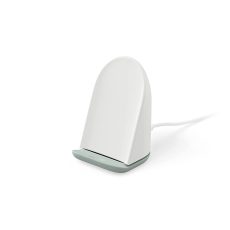
I’m a big advocate of wireless charging. I tried other cheaper options, but they were junk. Now, I rarely ever plug in my phone because I have this at my desk. I use the stand-up side for my phone and the lay-down side for my buds. It’s so nice to just set a device down when you’re done with it and have it start charging. It also connects via USB-C!
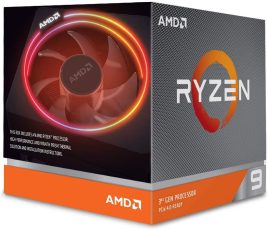
I’ve had a couple of laptops prior to building this PC, and they each had Intel CPUs. For this build, however, AMD was the way to go. With the power Ryzen has to offer in 2020 and my needs for video editing and only minimal gaming, the 3900X was the best option.
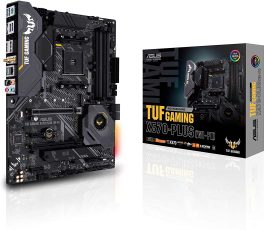
Asus TUF GAMING X570-PLUS (WI-FI) ATX AM4 Motherboard
I wanted a motherboard with Wi-Fi (just incase I needed it) and Bluetooth (that was a must). It also needed to be compatible with my AMD Ryzen 9 3900X CPU. I heard great things about Asus, so I got this one. Oh, and it’s got a little bit of RGB on it, so I’m a fan.
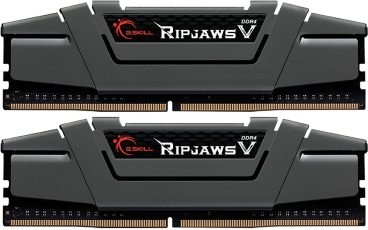
G.Skill Ripjaws V 64 GB (2 x 32 GB) DDR4-3200 CL16 Memory
I thought about going with 32GB of RAM, then I decided to not play around. I value my time over my money. My motherboard can take up to 128GB, so it made sense to get 2 sticks of 32GB. I might add 2 more at some point.
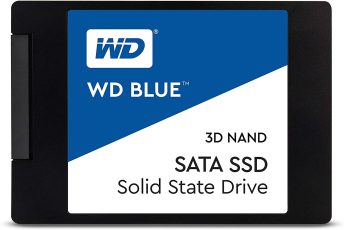
Western Digital WD Blue 2 TB 2.5″ Solid State Drive
SSDs over HDDs all day, every day in regards to speed. I’m a digital minimalist, so I want to avoid any reason to add clutter on huge HDDs. Also, I got a free 120GB SSD with my GPU purchase and tried running my OS on a separate SSD. Not for me. I wiped it and ripped it out within a week.
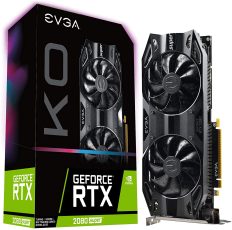
EVGA GeForce RTX 2080 SUPER 8 GB KO GAMING Video Card
Pretty beefy GPU here. I wanted to render 4K video with no issues and power a Samsung C49RG9 49″ super ultrawide monitor. Some say I should have waited for the 3000 series, but if you wait forever, you’ll never get anything done.
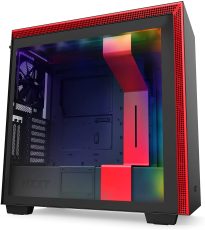
During my research, I saw some big streamers talking highly of NZXT cases. I went back and forth between the H710 and H710i. The only difference is RGB and smart connectivity to monitor stats. Needless to say, I went with the pretty lights. And how about that colorway? It’s like it was made just for me.
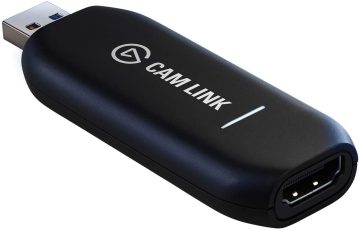
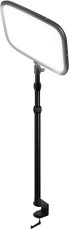
I’m going to honest, I did everything in my power to avoid buying this when I started streaming. Not only was it hard to get in early-2020, but I couldn’t justify the $130 price tag when Sony was allegedly going to be releasing software to do the same thing for free. Eventually, I gave in. It turned out to be one of the best purchases I’ve ever made.
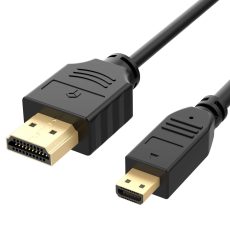
Just a simple, yet very necessary, accessory cable to connect my Elgato Cam Link 4K to my Sony ZV-1. Make sure you get a long enough cable, especially if you have a adjustable sit/stand desk!
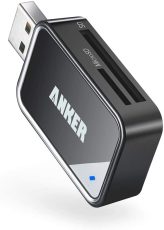
I built this monster PC to efficiently create content but didn’t prioritize getting a case with a built-in memory card reader. (I’m not sure how many of those there actually are though). Regardless, this little adapter is very affordable and does exactly what I need it to do. I might upgrade for faster transfer speeds one day, but this is fine for now.
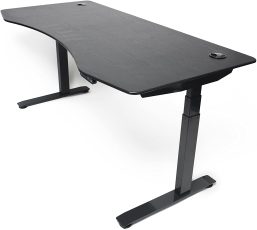
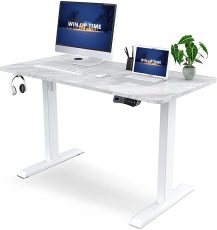
I used to have a big L-shaped desk with a hutch and several drawers. It was way too much for me. I wanted a desk that was more minimal and that could convert between sitting and standing height. I did a lot of research and this one from ApexDesk was looked like the one for me. It’s long enough for everything to fit comfortably and has a electronic control panel to adjust the height.
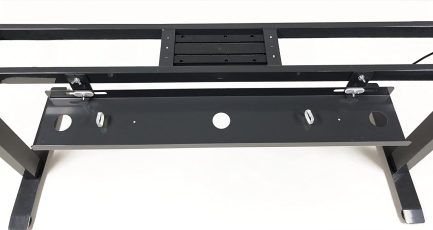
When I got my sit/stand desk, I wanted to make sure the cable from my devices were managed properly. I didn’t want them all hanging down and getting caught on something as the desk moved up and down. This cable tray is made specially for this desk and was easy enough to install.
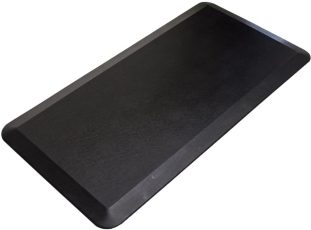
Funny story about this mat. I wasn’t planning on incorporating a standing mat into my setup. The desk took over a month to get delivered and ApexDesk was nice enough to give me this mat for free. After using it for a while, I’m very thankful because it definitely makes a difference. Even in house shoes, standing directly on hardwood flooring is not comfortable.
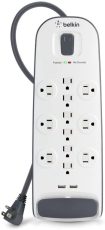
I’ve had this surge protector through many desk setups. Belkin is a good brand, so I’m not surprised it’s lasted 10+ years. The surge protection, USB ports, and such are great features, but more importantly for this setup, it fits in the cable tray underneath my desk. That allows me to have just one wire running from the tray to the wall.
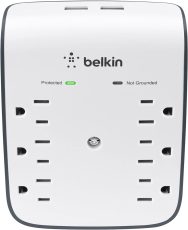
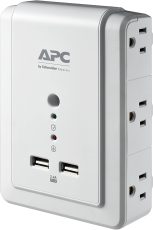
I’ve had this for a long time and decided to reuse it in my new setup. There isn’t anything super special about it, but I do like the way it gives you more outlets and plug directly into the wall without any extra wires. The surge protection and USB ports are great features as well.